Footer
The footer is editable from Decap CMS. It lives in src/data/navbar.json under footer.
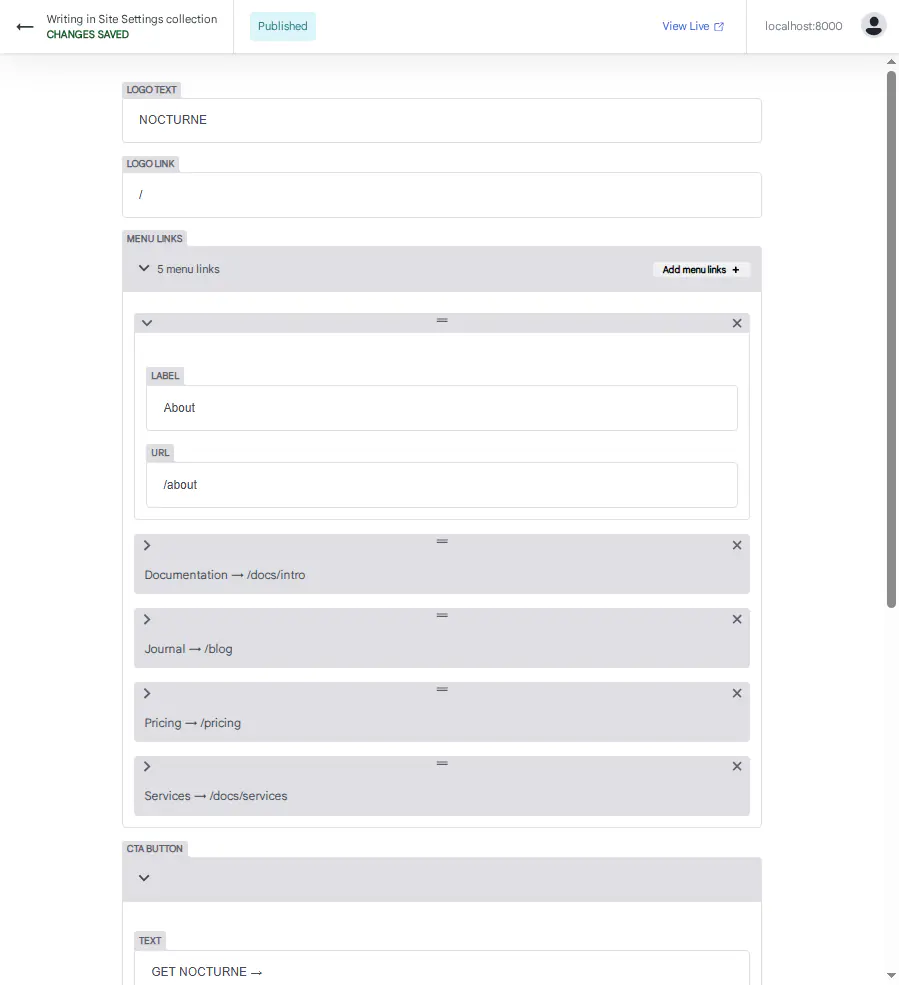
Where to Edit
In the CMS:
- Click Site Settings
- Click Navbar & Footer
- Scroll to Footer section
Fields
| Field | Purpose |
|---|---|
| Copyright | Copyright line |
| Badge | Small badge text |
Copyright
Shown at the bottom of every page.
Example:
© 2026 NOCTURNE
Tips:
- Update the year yearly
- Keep it short
- Use plain text (no HTML)
Badge
A small badge next to the copyright.
Example:
● BUILT ON DOCUSAURUS
Tips:
- Use
●for a bullet point - Keep it under 30 characters
- Use it for trust signals (e.g., "BUILT ON DOCUSAURUS")
Advanced — Layout
The footer layout lives in src/components/Footer/Footer.tsx. To change the layout:
- Open
src/components/Footer/Footer.tsx - Edit the JSX structure
- Save — the dev server reloads
Example — add a second badge:
<footer className="site-footer">
  <p>{footer.copyright}</p>
  <span className="badge">{footer.badge}</span>
  <span className="badge">NEW</span>
</footer>
This is advanced — see Components for details.
After Editing
- Click Save
- The footer updates instantly
- Refresh if needed
Troubleshooting
Footer doesn't appear
- Check that
footer.copyrightandfooter.badgeare set - Save the file
- Refresh the browser
Copyright year is wrong
Update the copyright field in the CMS.
Badge text overflows on mobile
Shorten the badge text, or adjust the CSS.
What's Next?
Now let's edit the sidebar widgets.